
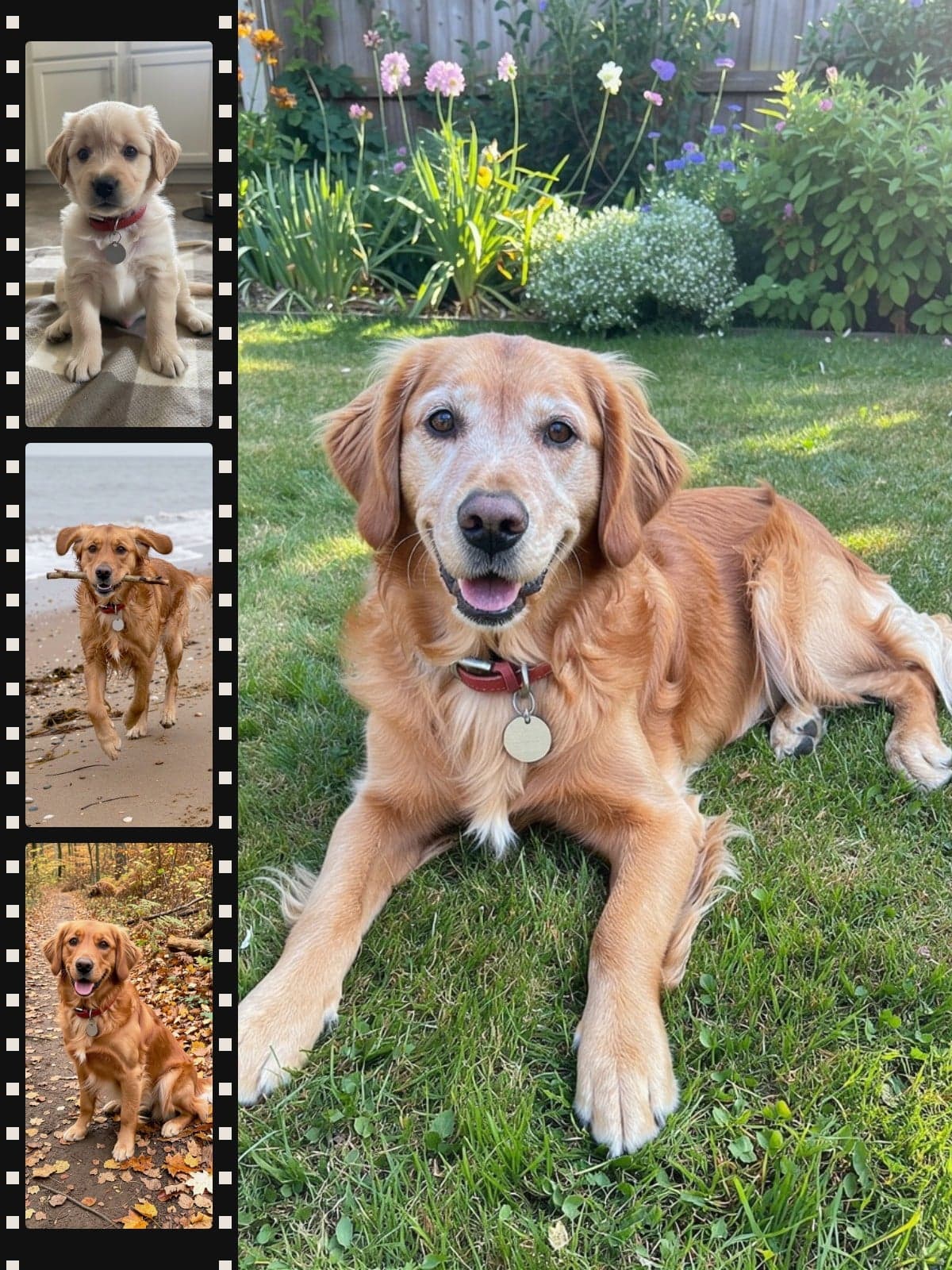
Video e-cardPaws through the yearsTap to play · 0:43
Add photos of your pet from little to now. We'll turn them into one video of them growing up.
Made from these 5 photos
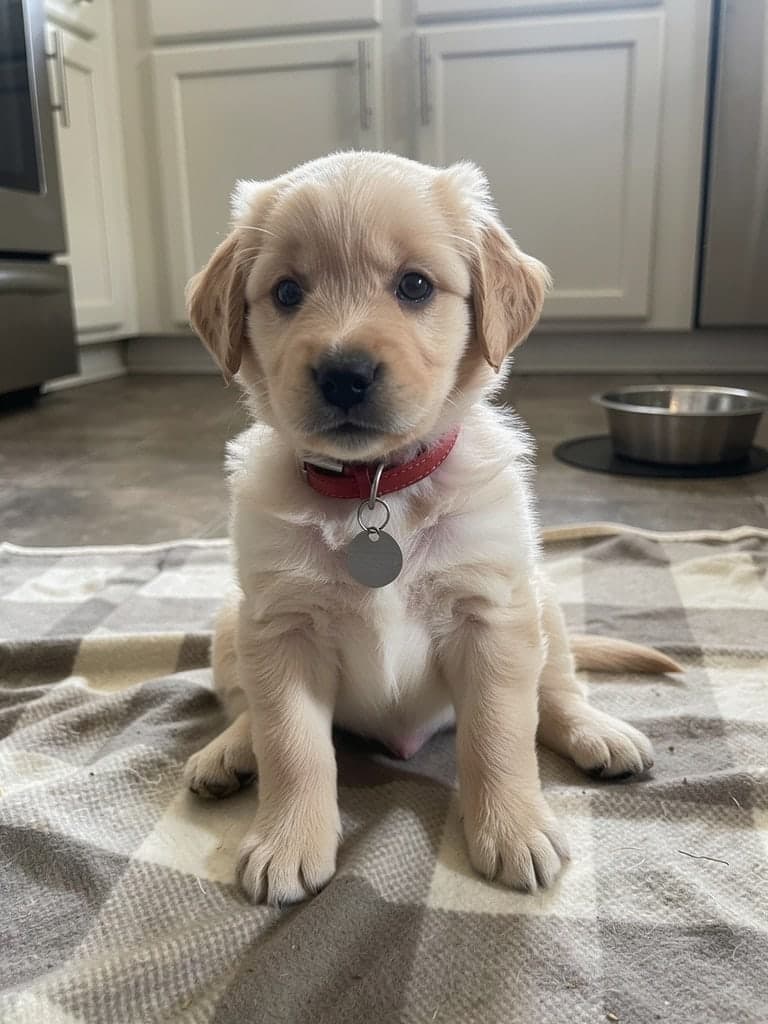
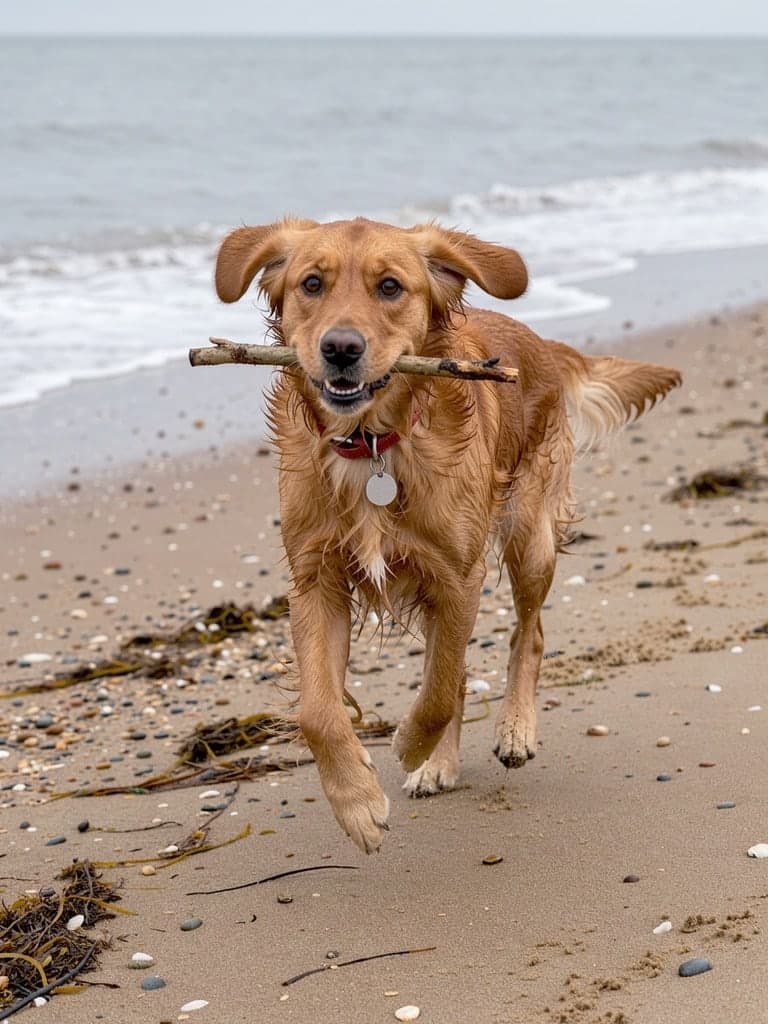
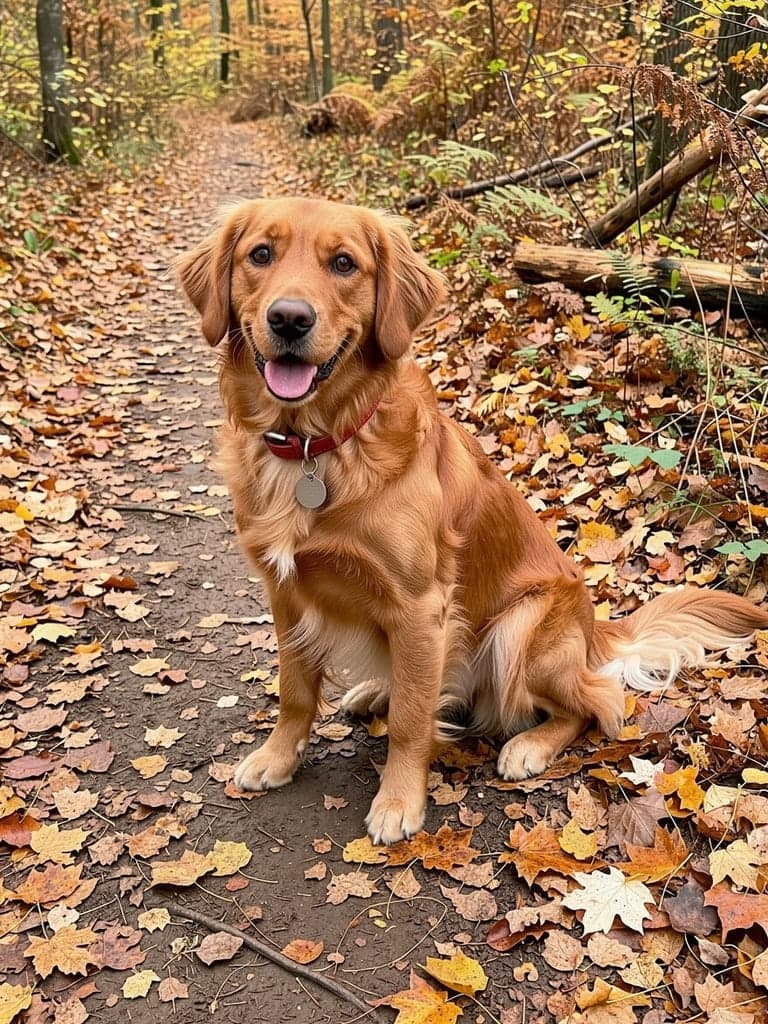
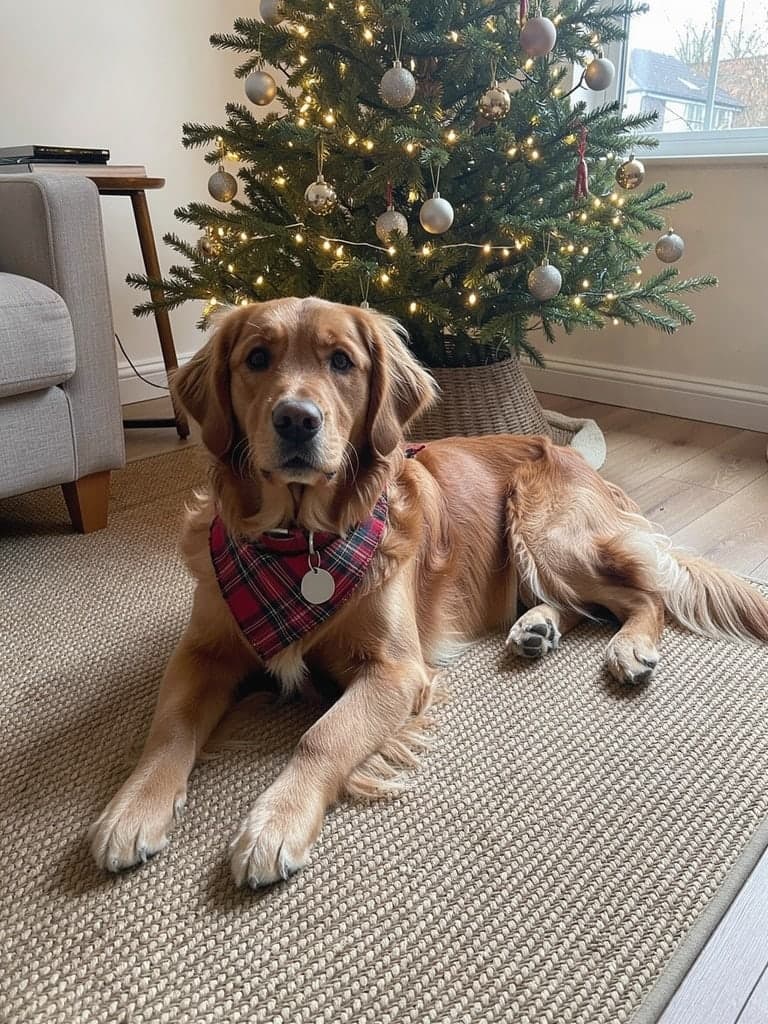
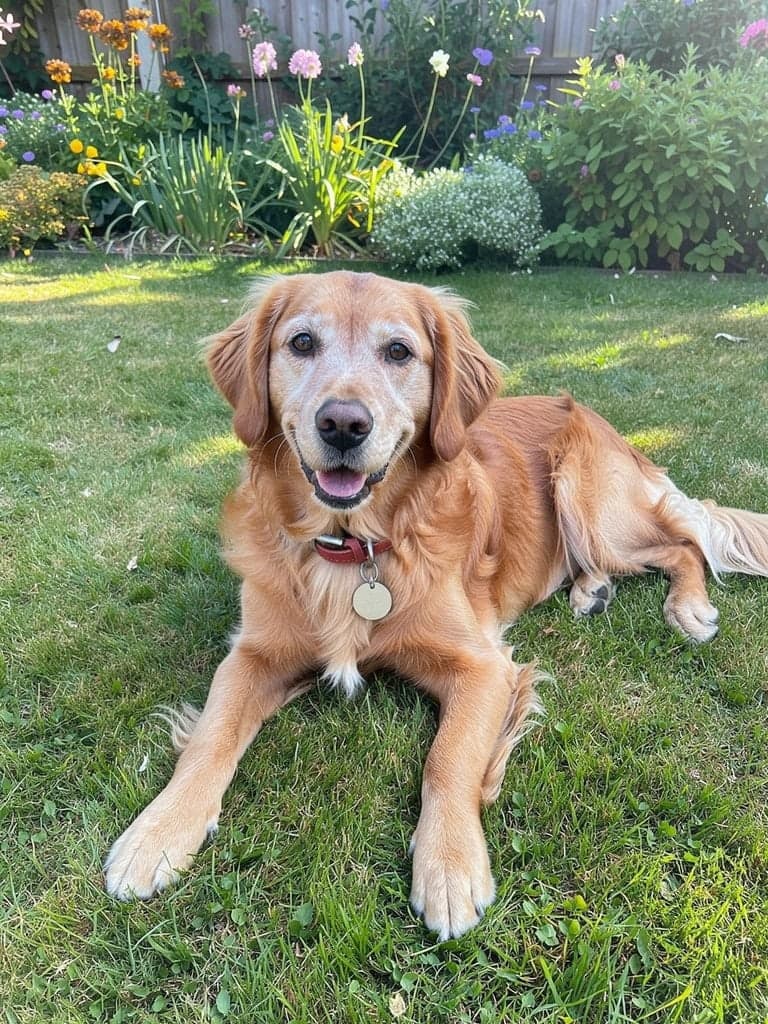
A photo journey through the years celebrates the moments of a pet’s life. Your pet’s name introduces the greeting, and your personal message brings it to a close.
Photo 1 into photo 2
Made to share
Every photo hiding in a drawer, brought to life in one short video. Send it by email or drop it in the family chat.
Happy gotcha day, Biscuit 🐾
MumHe was SO tiny! I'm in pieces
RajBest boy. Sending this to everyone
Good to know
Between 3 and 20. Each new photo adds one moment, so 4 photos make 3 moments.
Your video includes 5 photos. Each photo after that is $2, up to 20 in all. The basket button always shows the total, so you can see it change as you add photos.
Their name, photo 1 walking into photo 2, and your message at the end, with the music, so you can see it all come together. We make every other moment after you order.
Yes. The moment you preview is the one in your video. The rest are made in the same style.
Earliest first, ending with the most recent. Use the arrows under each photo to change the order. If you change photo 1 or 2 after previewing, make a new preview.
Yes. We follow one pet through every photo, so choose photos where they are easy to spot.
Clear photos where your pet is easy to spot, ideally showing their whole body so they can walk into the next one. Any size or shape works: you crop each one to a portrait frame as you add it, so wide photos lose their sides. JPG, PNG and iPhone photos are all fine.
Yes. Scans, faded prints and black and white photos all work, and so do small photos from old phones.