
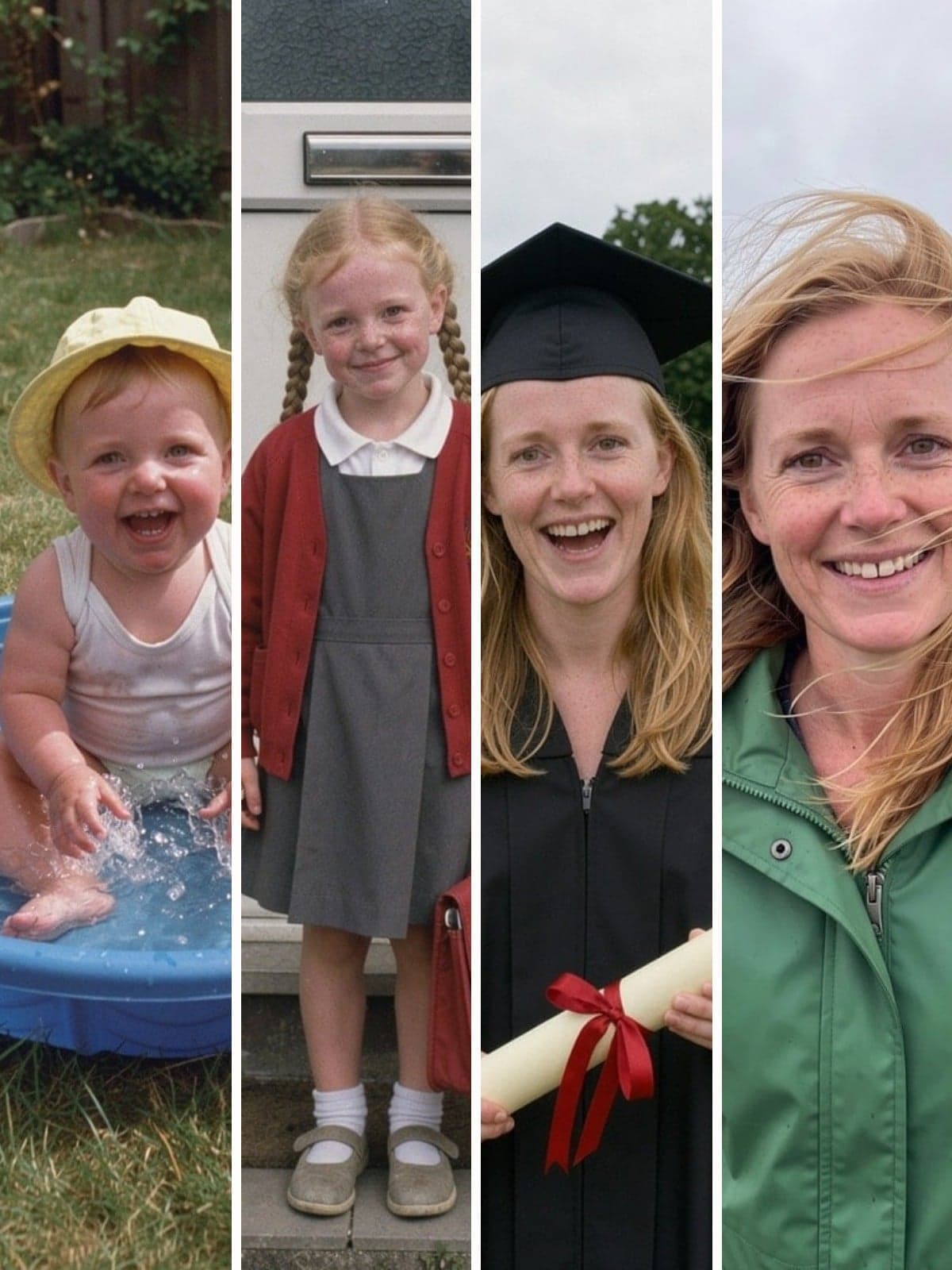
Video e-cardThrough the yearsTap to play · 0:37
Add photos of them at different ages. We'll turn them into one video of them growing up.
Made from these 5 photos
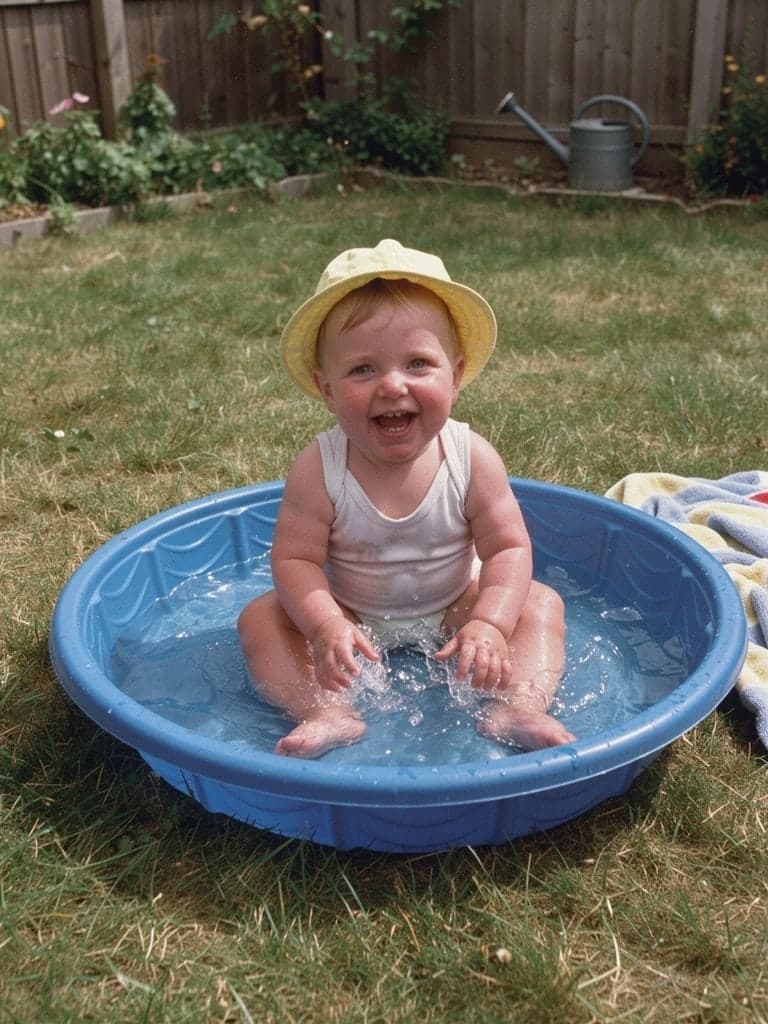
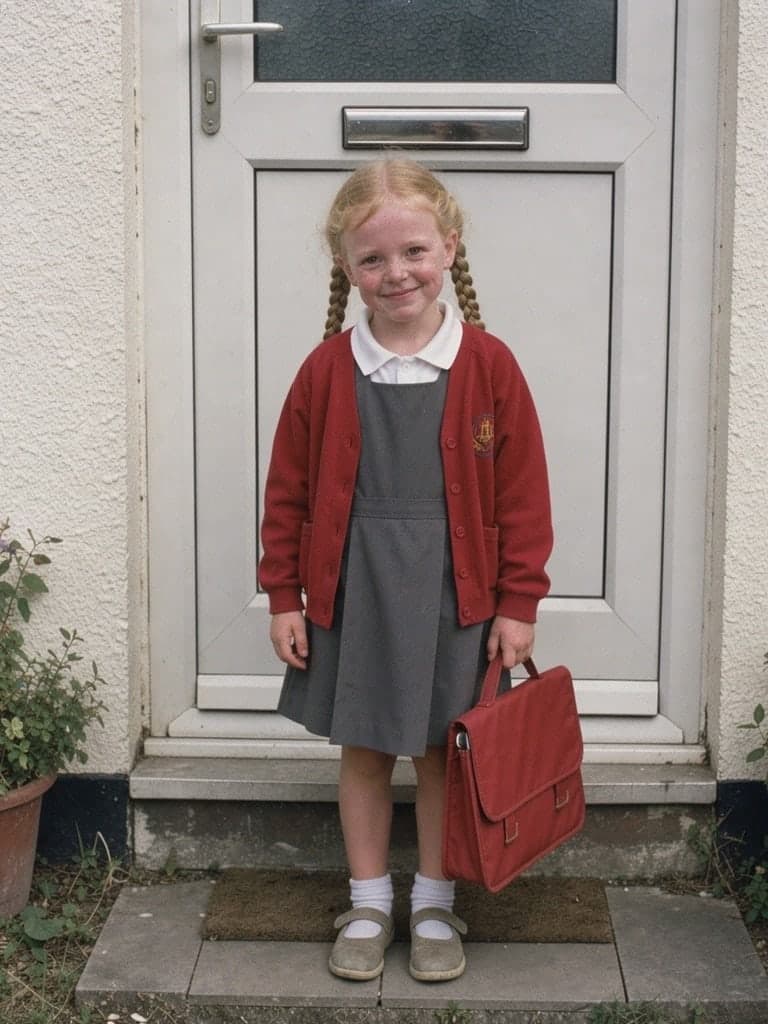
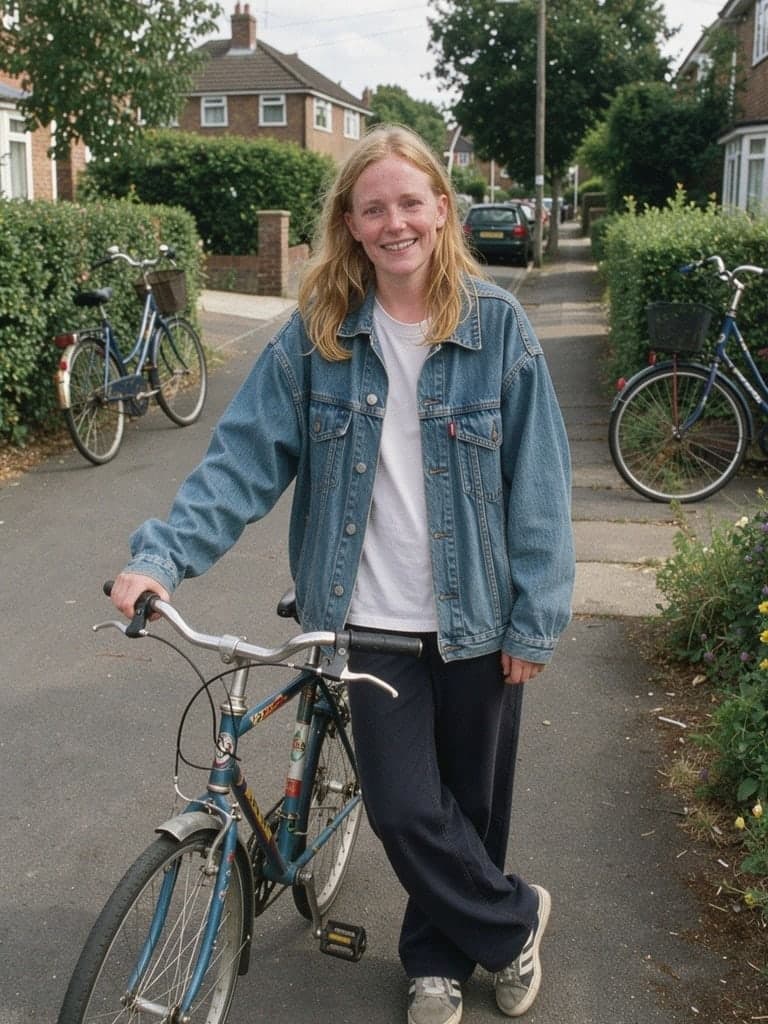
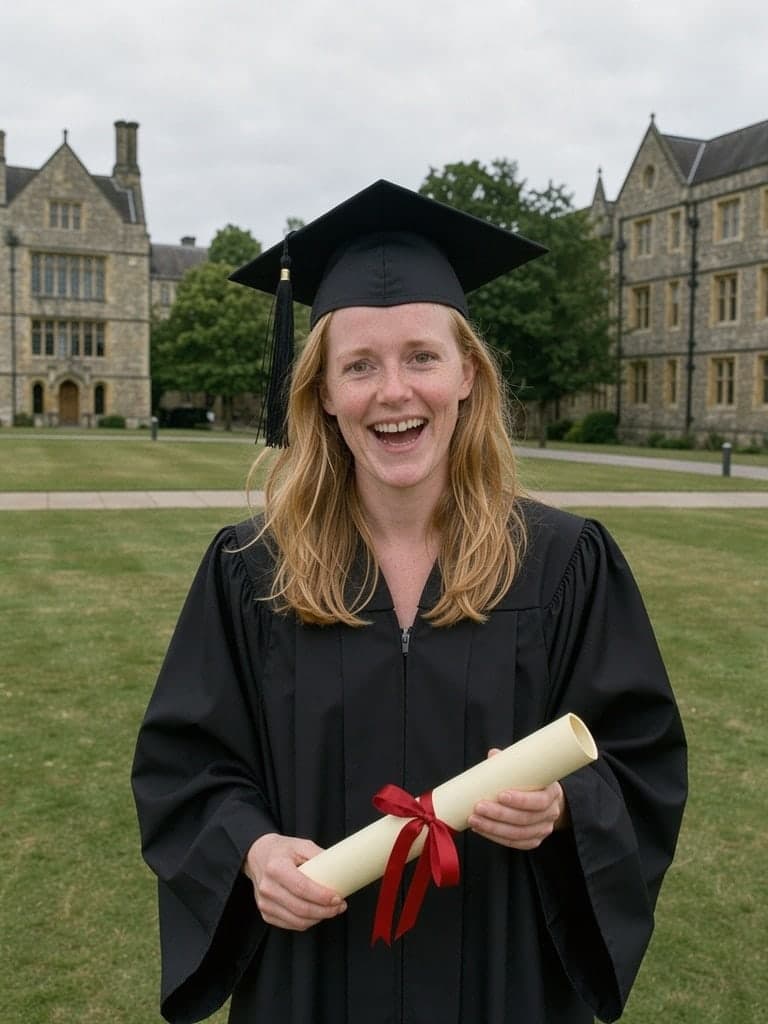
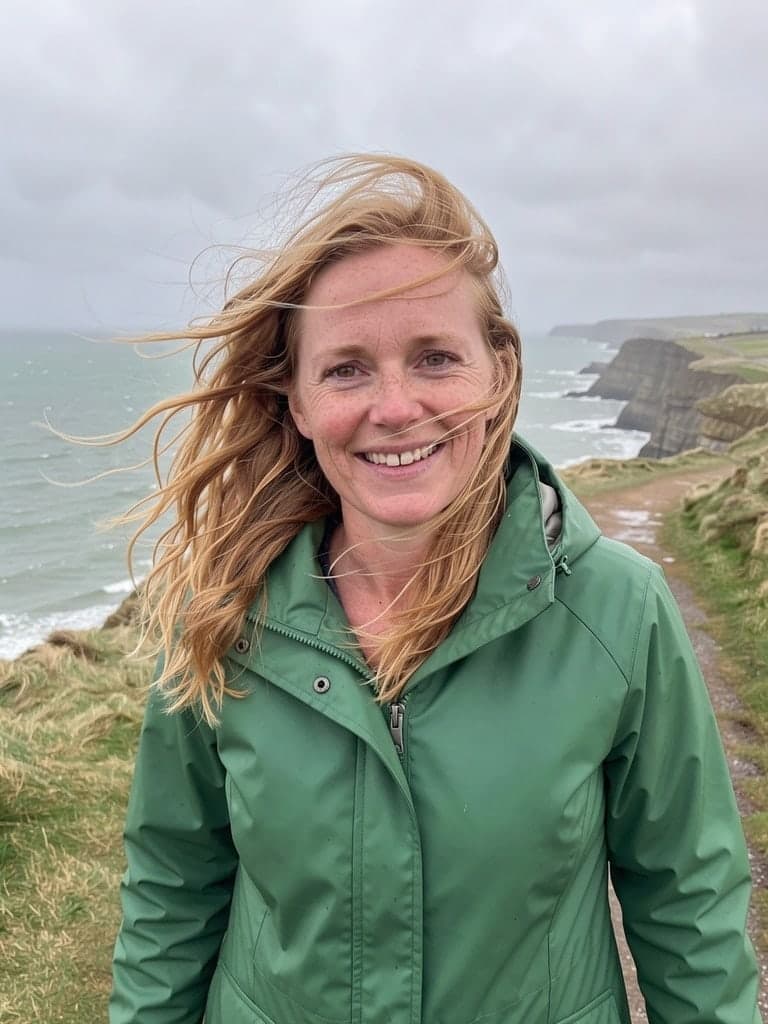
Opening with their name, this video takes 3 to 8 of your photos from earliest to latest, each moving and transforming into the next. Your message completes the journey alongside a row of your photos.
Photo 1 into photo 2
Made to share
Every photo hiding in a drawer, brought to life in one short video. Send it by email or drop it in the family chat.
Made this for your 40th
MumI am in pieces. That baby photo!
RajWhere did you even find these?!
Good to know
Between 3 and 20. Each new photo adds one moment, so 4 photos make 3 moments.
Your video includes 5 photos. Each photo after that is $2, up to 20 in all. The basket button always shows the total, so you can see it change as you add photos.
Their name, photo 1 walking into photo 2, and your message at the end, with the music, so you can see it all come together. We make every other moment after you order.
Yes. The moment you preview is the one in your video. The rest are made in the same style.
Earliest first, ending with the most recent. Use the arrows under each photo to change the order. If you change photo 1 or 2 after previewing, make a new preview.
Yes. We follow one person through every photo. Other people can be in the photos too.
Clear photos where they are easy to see, ideally half or full length so they can walk into the next one. Any size or shape works: you crop each one to a portrait frame as you add it, so wide photos lose their sides. JPG, PNG and iPhone photos are all fine.
Yes. Scans, faded prints and black and white photos all work, and so do small photos from old phones.